
Light a wisp
in five minutes.
Get the prebuilt APK and sideload, or clone the source and build from your machine. Either path takes about five minutes.
- Android 8.0+ (API 26)
- Camera and notification permissions
- Google account for sign-in
Just give me the APK.
The fastest way. Download, allow your browser to install unknown apps, tap install. Done.
Grab the .apk
Download the latest release from the GitHub releases page (link will be added when published).
Download wisp.apkTrust the source
In Settings → Apps → Special access → Install unknown apps, allow your browser to install APKs once.
Tap and go
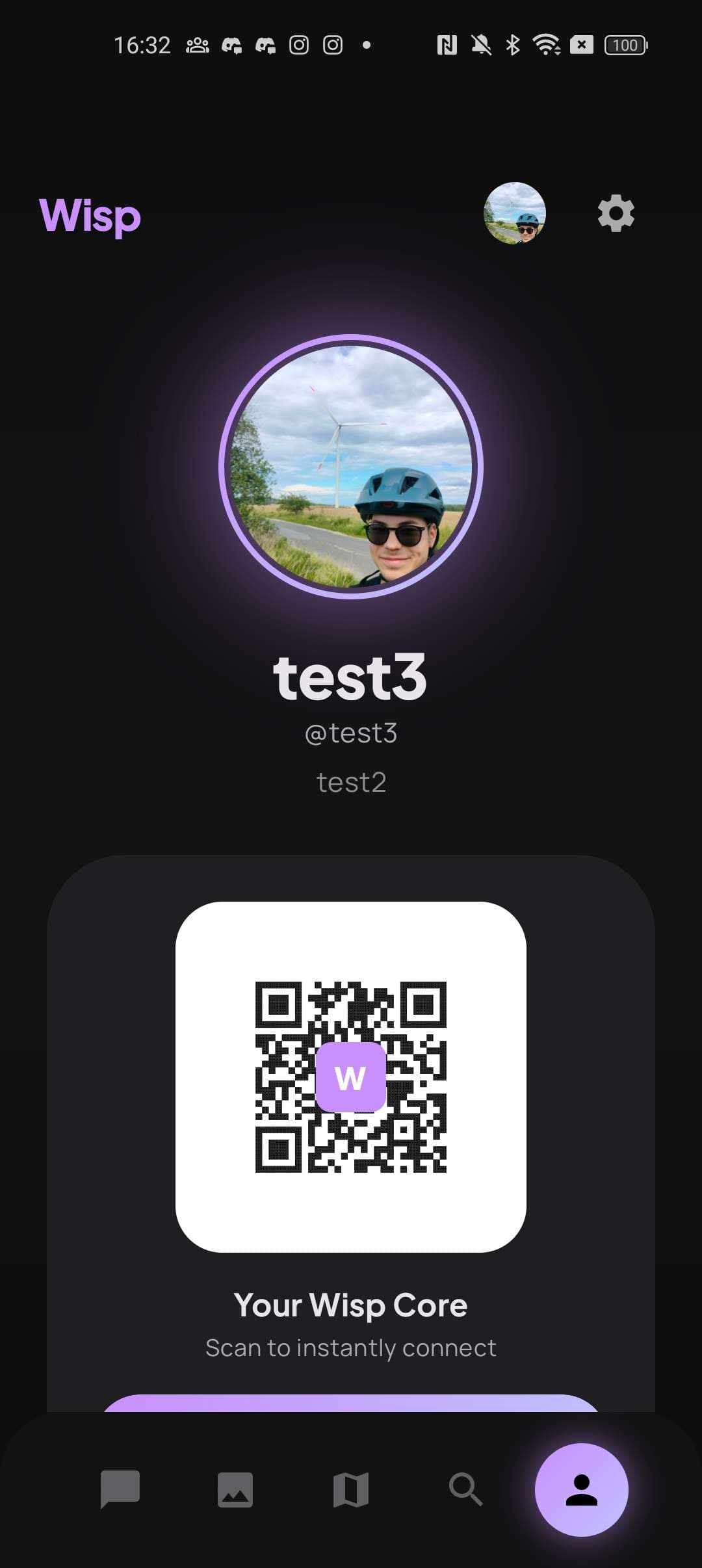
Open the downloaded APK, tap install, sign in with Google, and you're glowing.
Build it yourself.
If you'd rather see the inside, clone the repo, drop in your own Firebase config and Imgur Client-ID, and Gradle does the rest.
Clone the repo
Add Firebase config
Drop your google-services.json into app/. Get one from the Firebase console — Spark plan is enough.
Add Imgur Client-ID
Register at api.imgur.com/oauth2/addclient. Add the Client-ID to local.properties:
Build the APK
Run tests
Install on a device
What you'll need.
For sideloading
An Android phone (API 26+), 80MB of free storage, a Google account, and one minute.
For building
Android Studio Hedgehog or newer, JDK 17, the Android SDK with API 34, and a Firebase project.
For running
A real device (the camera flow benefits from real hardware — emulator works for everything else).
If something glitches.
Build fails: "google-services.json not found"
You're missing your Firebase config. Create a Firebase project at console.firebase.google.com, register an Android app with package com.example.wisp, and download the JSON into app/.
App opens but image upload fails
You're probably missing your Imgur Client-ID. Check that IMGUR_CLIENT_ID is set in local.properties, and rebuild with ./gradlew clean assembleDebug.
Notifications don't arrive
Make sure the FCM service is enabled in your Firebase project, and that you've granted notification permissions on Android 13+. Wisp asks for them on first launch.
Camera shows a black preview
Camera permission was denied. Go to Settings → Apps → Wisp → Permissions, enable Camera, and reopen the app.
I'm getting Firestore quota errors
The Firebase Spark plan caps you at 50K reads/day and 20K writes/day. Wisp's offline-first cache keeps reads cheap, but if you've shared the build broadly, you may need to upgrade or wait for the daily reset.
Welcome to Wisp.
Once you're in, post your first wisp, add a friend, and watch it fade with the next sunrise.